Arrow up

How to Set Up Apollo.io Website Visitor ID - Part 1

Looking  Part-time, Remote SaaS Sales reps or Resellers?
Browse the SaaS Sales Help Directory
Search by Role (BDR/SDR/AE), Industry, Geography, Experience level and more

How to Set Up Apollo.io Website Visitor ID (Part 1)

Introduction

Apollo.io has released a new feature called Website Visitor ID.

This feature lets you see which accounts are visiting your website, then use Apollo’s Plays, Personas, and Sequences to find the right people at those accounts and reach out.

This is powerful because:

  • Website visitors already know about you
  • They’ve shown intent by visiting your site
  • You can prioritize outreach based on which pages they visit
  • You can automate follow-up even if they don’t fill out a form

Previously, this required third-party providers like Clearbit or Dealfront, plus integrations through HubSpot or Zapier. Now it’s built directly into Apollo.

Step 1: Add Your Domain in Apollo

  1. In Apollo, go to Settings → Prospecting → Website Visitors.
  2. Add your domain.
  3. Once added, you’ll see the setup screen with connection status.

Step 2: Configure Conditional Logic

Apollo lets you define high-value vs. low-value pages.

For example, on my own website I set this up as follows:

  • High-value page:
    • /services/apollo-io-strategy-and-setup
    • Visitors to this page are clearly interested in Apollo consulting services.
  • Low-value pages:
    • General blog posts or SEO traffic pages that don’t signal buying intent.

By labeling the right pages as High Intent, you ensure that only meaningful traffic triggers outbound actions.

Step 3: Install the Tracking Script

Apollo provides a tracking script you need to install on your website.

Options:

  • Webflow → Add the script inside the <head> tag.
  • Google Tag Manager → Add as a new tag.
  • WordPress/Other CMS → Insert into the site header.

After publishing your site with the script in place, Apollo will confirm the connection.

Step 4: Verify the Setup

Once the script is active:

  • Test the connection inside Apollo.
  • When verified, your domain status updates to Connected.
  • Apollo begins identifying accounts visiting your site.

Why This Matters

With Website Visitor ID, you can:

  • Identify high-value accounts already engaging with your site
  • Segment visitors based on page intent
  • Trigger Apollo Plays to automatically find decision-makers at those accounts
  • Reach out with context-driven messaging

This bridges the gap between inbound website traffic and outbound outreach.

Conclusion

Setting up Apollo.io Website Visitor ID only takes a few minutes:

  1. Add your domain
  2. Define high-intent pages
  3. Install the tracking script
  4. Verify the connection

In Part 2, I’ll show how to use this visitor data inside Apollo to prioritize accounts, build plays, and launch automated outreach.

Read to take the next step and reach out to leads that match your personas at these accounts? See How to Set Up Apollo.io Website Visitor ID - Part 2 Adding Workflows with Sequences
Ready to Get Started?

Tell Us About Your Outbound Sales Needs

Services you are interested in:
Thank you! Your submission has been received!
Oops! Something went wrong while submitting the form.
Interested in flexible SaaS Sales roles?

Get Listed in the SaaSBoost.io
SaaS Sales Database - Create a Profile

Tell us about your SaaS Sales background and ideal role. We will connect you with interested SaaS companies looking for flexible/part-time SaaS sales help.
SaaS Experience - select all categories that apply:
Geography you are located in:
Languages your are fluent in - select all that apply:
Years Experience:
Outsourced Services Provided - select all categories that apply:
Compensation Requirements:
Thank you! Your submission has been received!
Oops! Something went wrong while submitting the form.
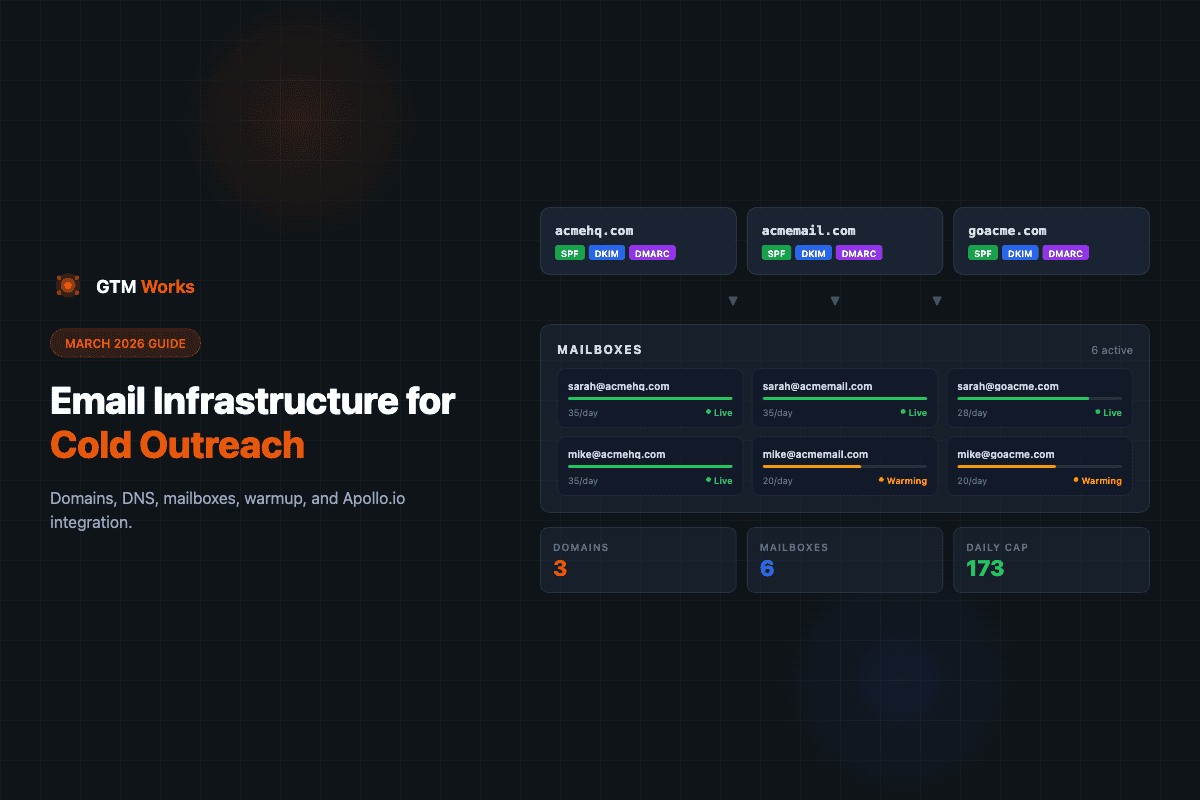
Sending cold email at scale starts with solid infrastructure. Here's the setup we recommend in March 2026 - from domain purchasing and DNS to mailbox warmup and Apollo.io integration.
September 15, 2023
by 
Jeremy Hurley
Email Infrastructure for Cold Outreach - March 2026

Apollo Strategy and Setup

Get Expert Advice and Guidance in Setting Up an Automated Cold Outreach Lead Engine Powered by Apollo
Apollo.io

Email Infrastructure for Cold Outreach - March 2026

Sending cold email at scale starts with solid infrastructure. Here's the setup we recommend in March 2026 - from domain purchasing and DNS to mailbox warmup and Apollo.io integration.
Apollo.io

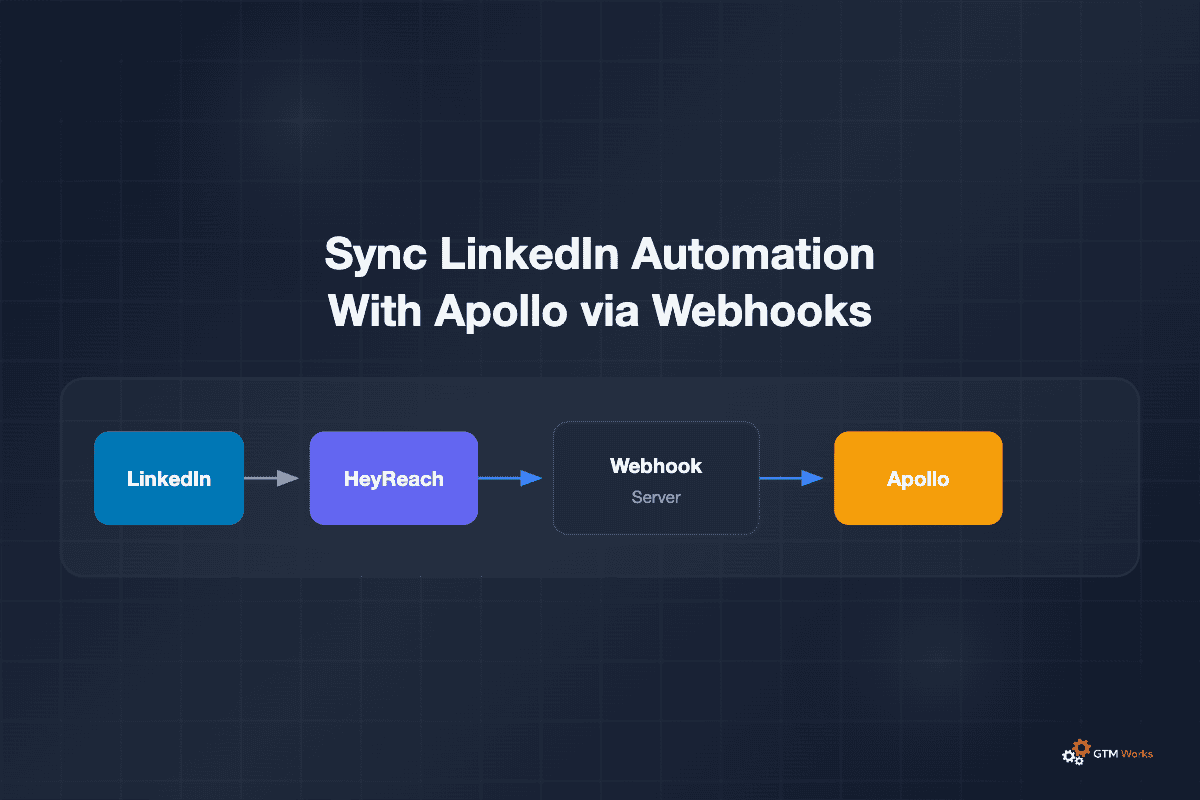
How to Do LinkedIn Apollo.io Automation in 2026

Apollo.io removed LinkedIn automation in January 2026. Here's how to get it back by connecting HeyReach to Apollo.io with webhooks - and you don't need a developer to do it.
Apollo.io

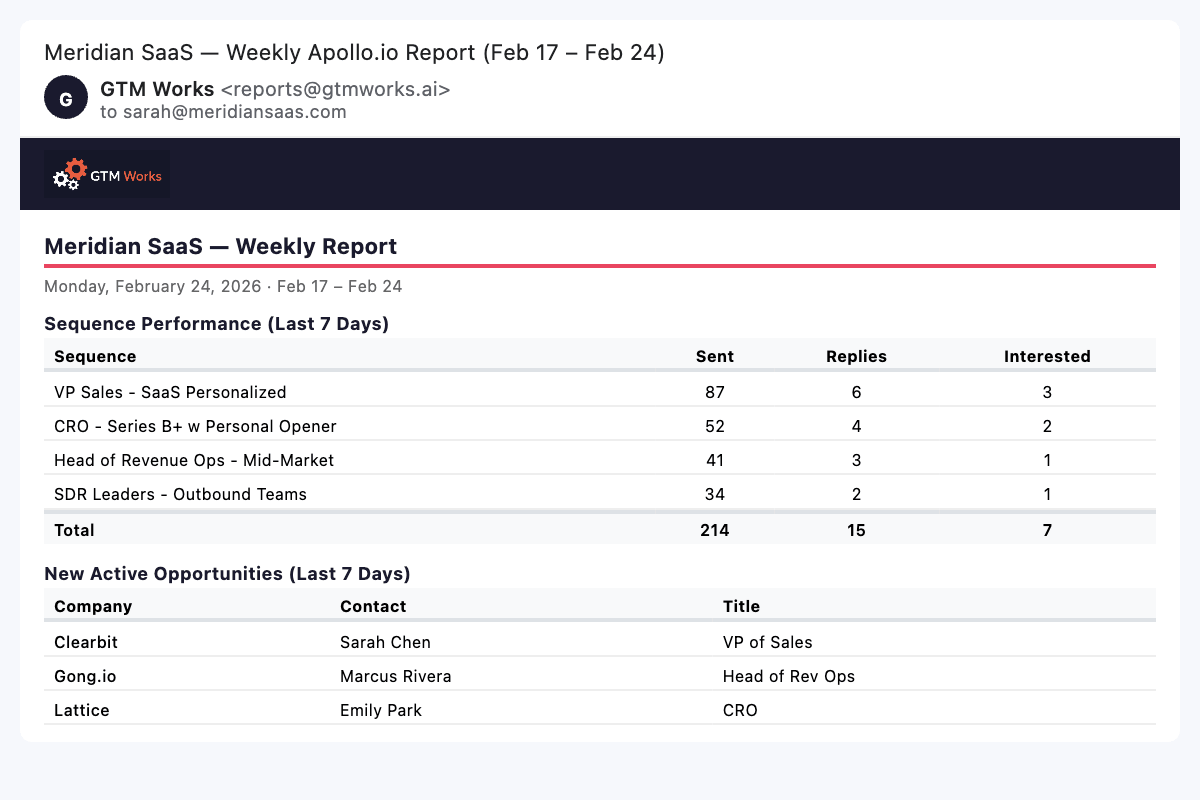
How We Built Automated Weekly Apollo.io Reports (via Email)

Apollo.io has great reporting, but no way to get it emailed to you. We built automated weekly email reports using the Apollo.io API — here's what's included and how to set it up yourself.

Best SaaS Contracts Lawyers 2025 - Complete Guide

Top 19 SaaS Contracts Attorneys and Platforms Compared

One of the first tasks for an early stage SaaS company is getting a legal structure and documents in order. This includes Terms of Service, a Privacy Policy, and various agreements and contracts. SaaS and Internet law can have its own nuances so it is recommended you hire and work with a SaaS focused attorney.

The guide includes a range of pricing options from straightforward, project based contract work with an individual SaaS focused lawyer to firms focused on scaling fast growing startups and catering to all of their legal needs.

Read the Guide
Newsletter
Looking to grow your SaaS revenue? Sign up for news, tips, calculators and other B2B SaaS sales and marketing resources.
Thank you! Your submission has been received!
Oops! Something went wrong while submitting the form.
By signing up you agree to our Terms & Conditions